Companion navigation

Running iOS app captures for Pride and Prejudice. Tap any image to zoom on your phone.

Search and browse

Reading → Search → Explore → Characters → Profile → Reading
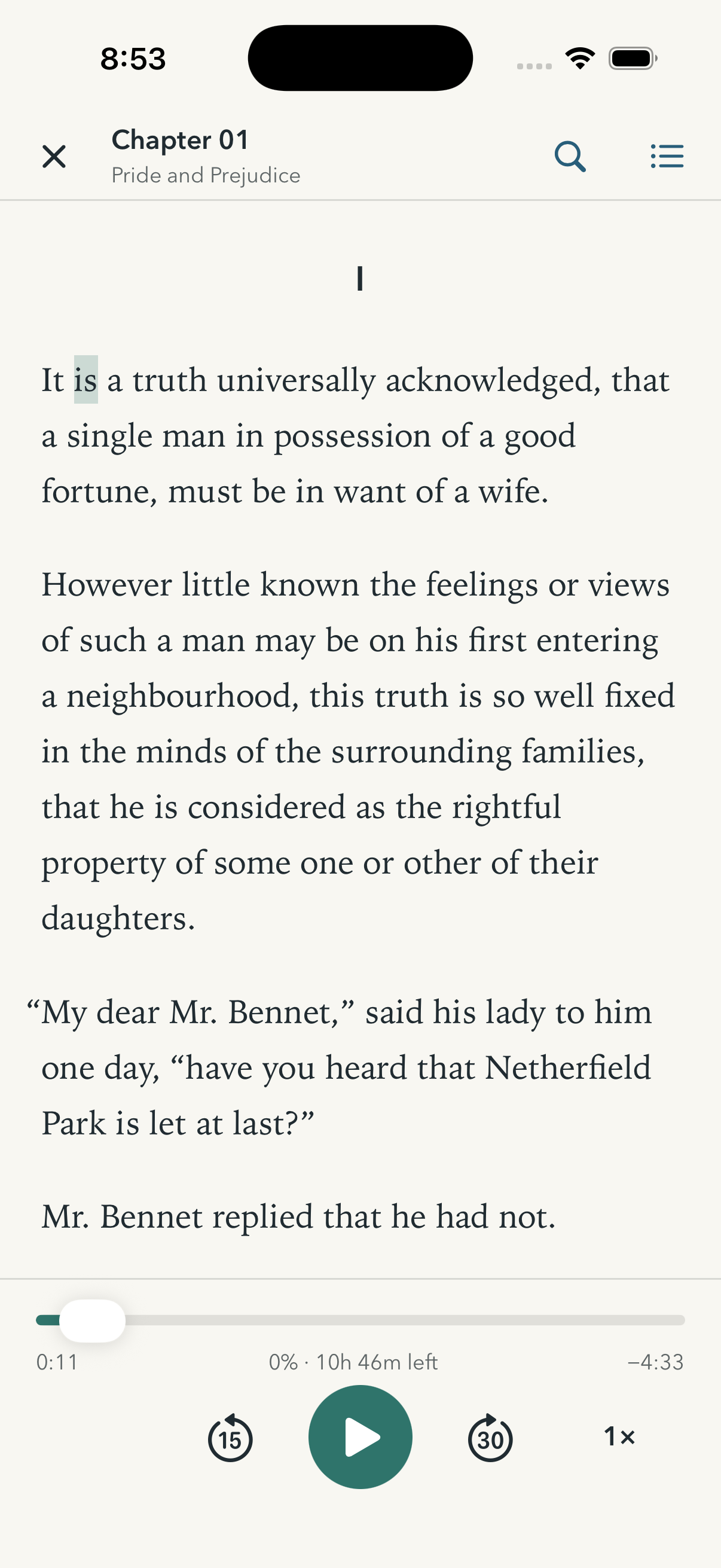
Reader with a search button in the top toolbar
1. Reading. The magnifying glass is the deliberate entry. Names in the novel are not turned into links.
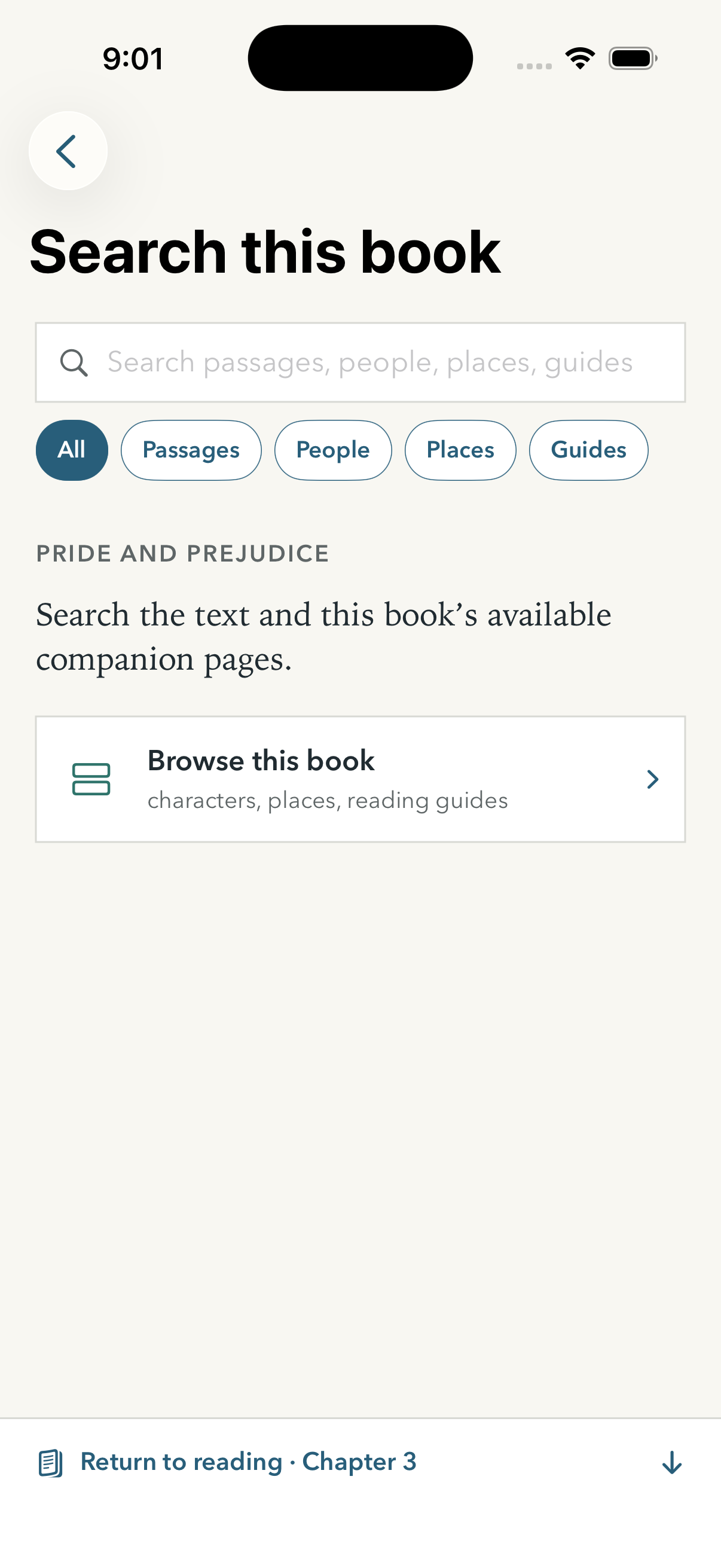
Search this book screen
2. Search this book. Search passages, people, places, or guides, or browse the companion without entering a query.
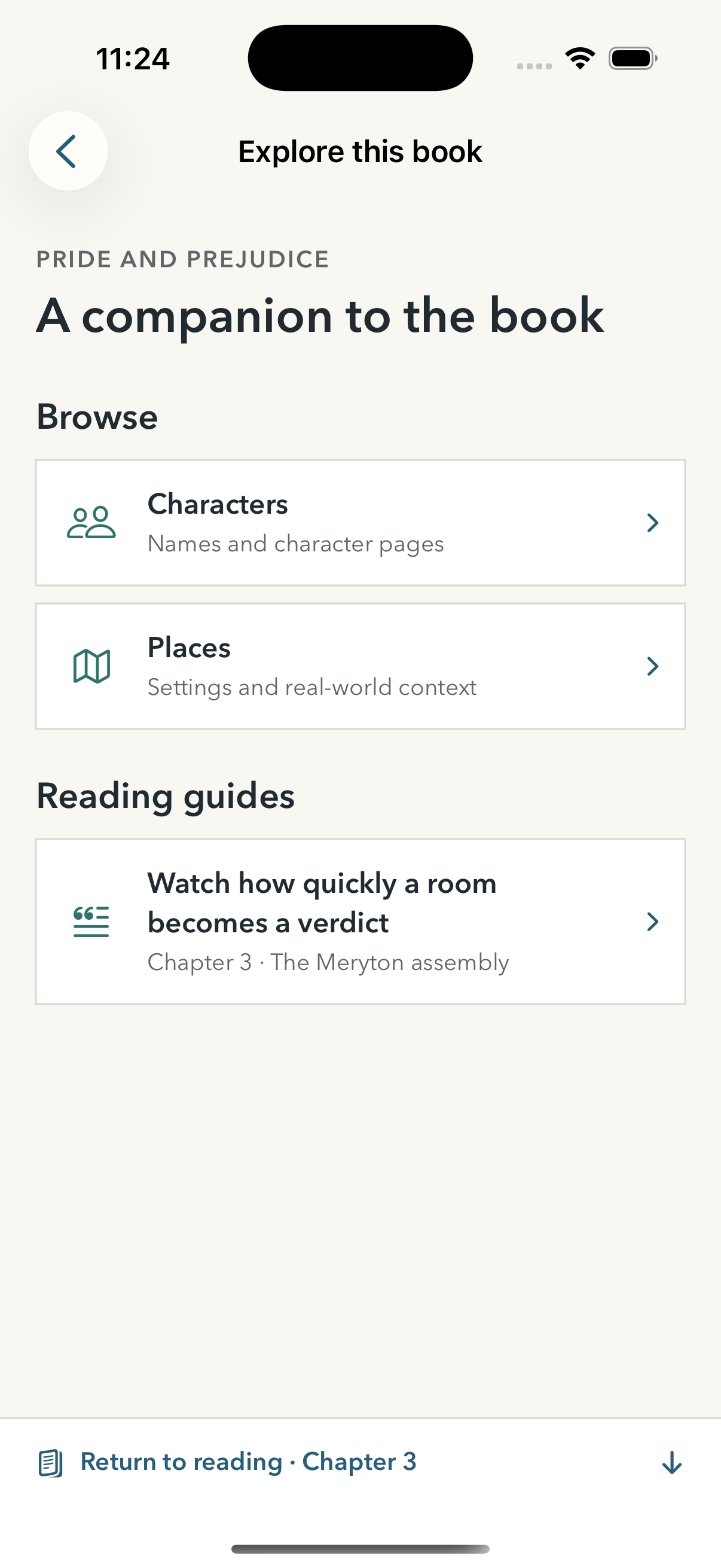
Explore this book screen
3. Explore. Only companion layers that exist for this book appear.
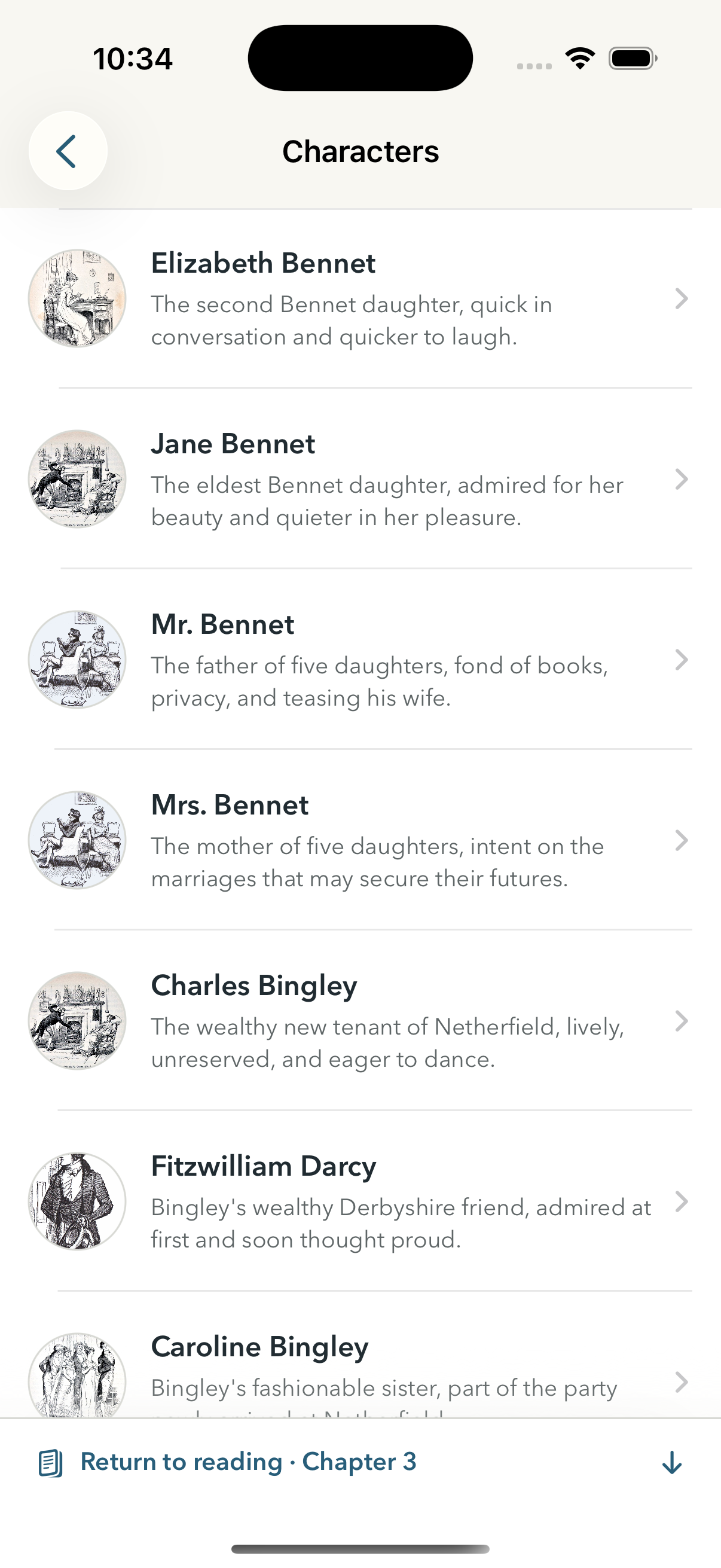
Characters directory
4. Characters. Browse or search the available cast.
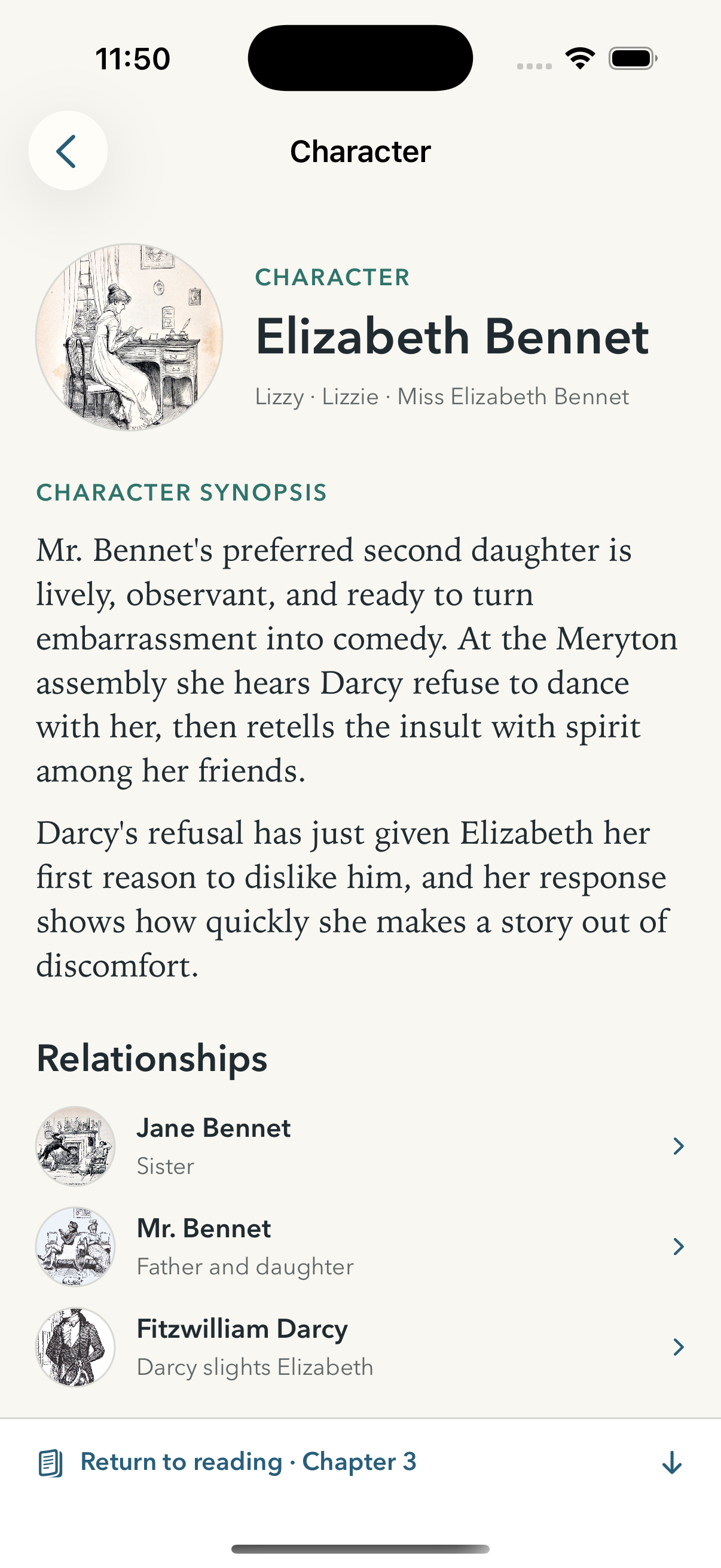
Elizabeth Bennet character page
5. Character page. Synopsis and relationships stay in context. Return to reading is always pinned at the bottom.

Companion copy is reviewed live and revised over time. Available content appears normally, with no production-status badge.

From an annotation

Reading → Guide → Character or place → Reading
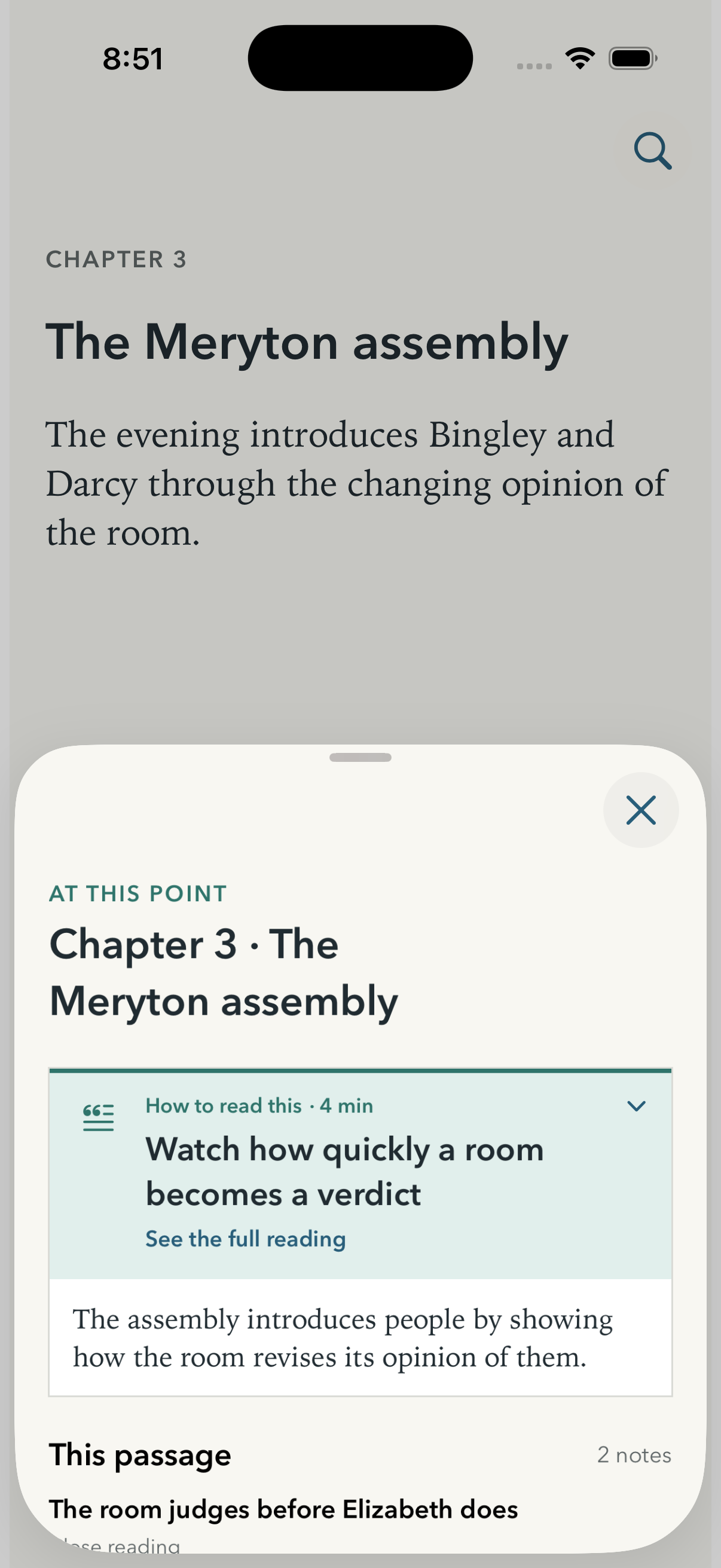
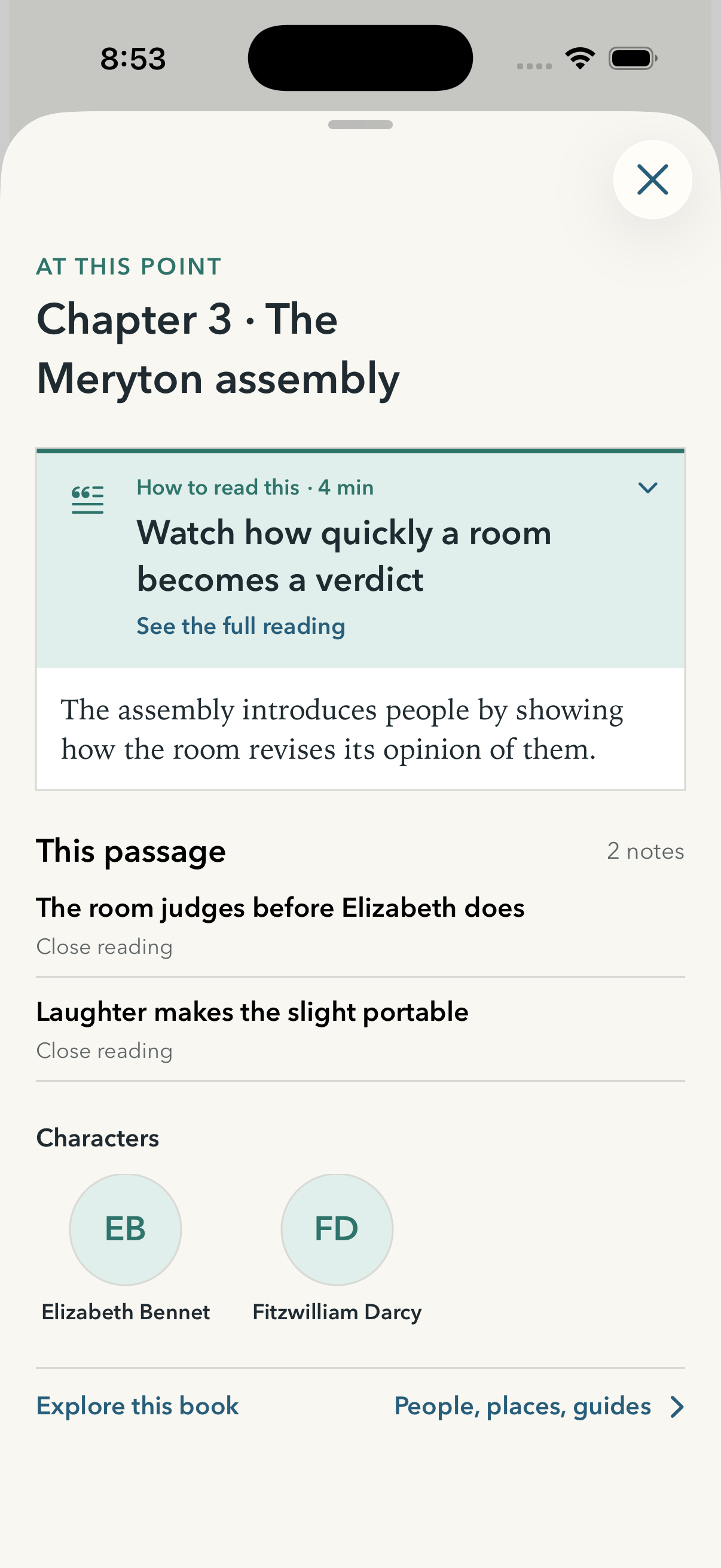
Guide sheet over the reading view
1. Guide sheet. The passage remains visible behind the sheet.
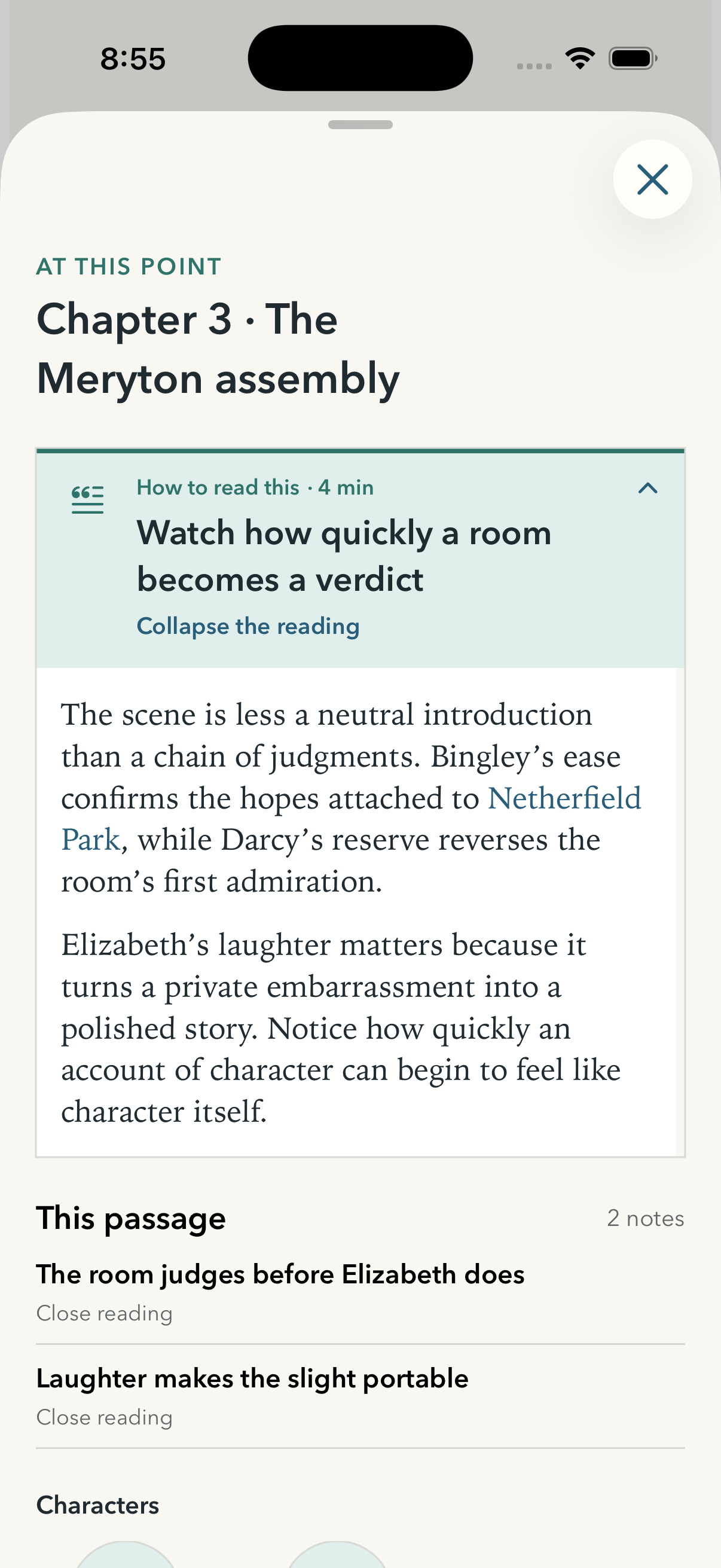
Expanded guide with Characters row
2. Characters row. A compact portrait and name pattern links only relevant characters.
Reading analysis with a linked place
3. Analysis. A place can be linked naturally from the annotation text.
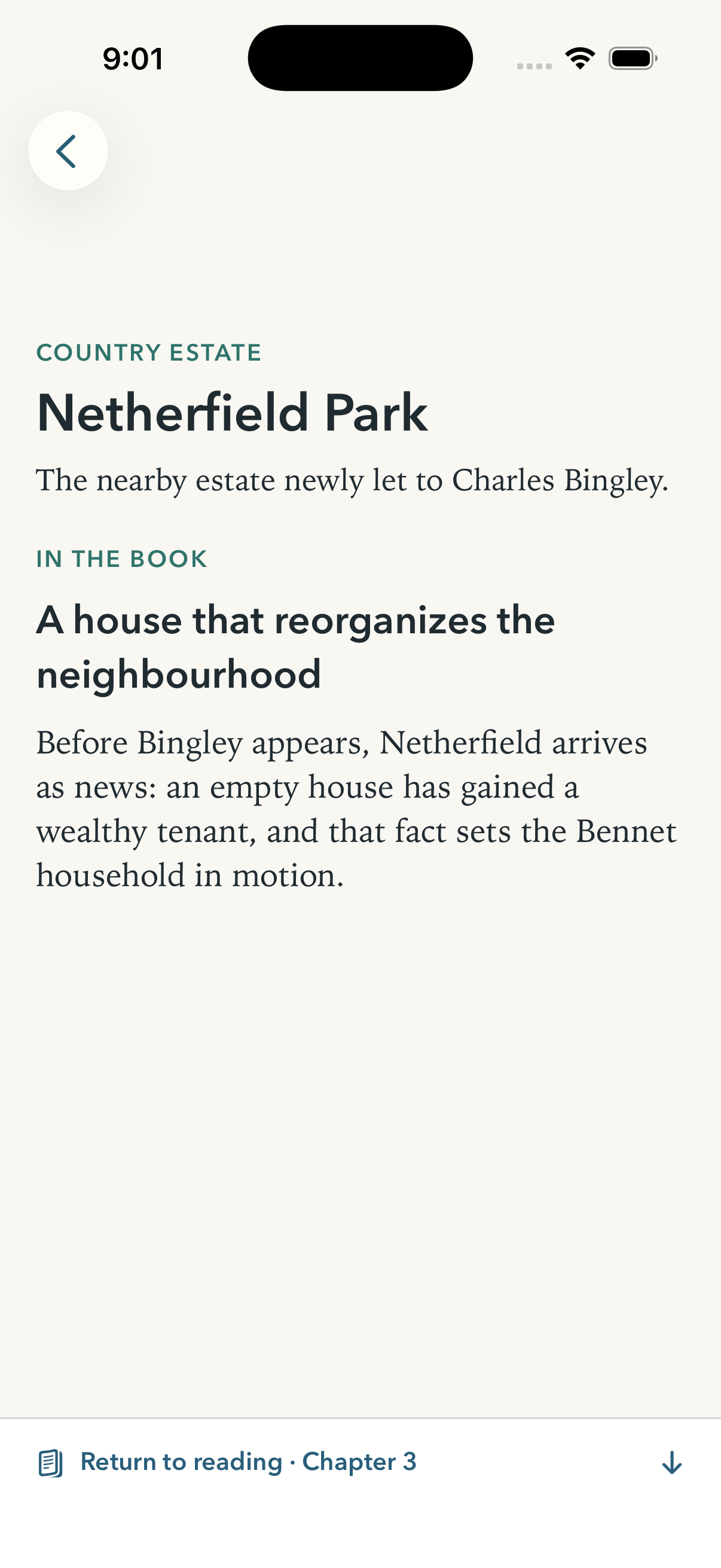
Netherfield Park place page
4. Place page. If no image exists, the page uses a complete text-first composition with no missing-content treatment.